
May 14, 2026
Everything You Can Do with Dialb: A Complete Feature Guide
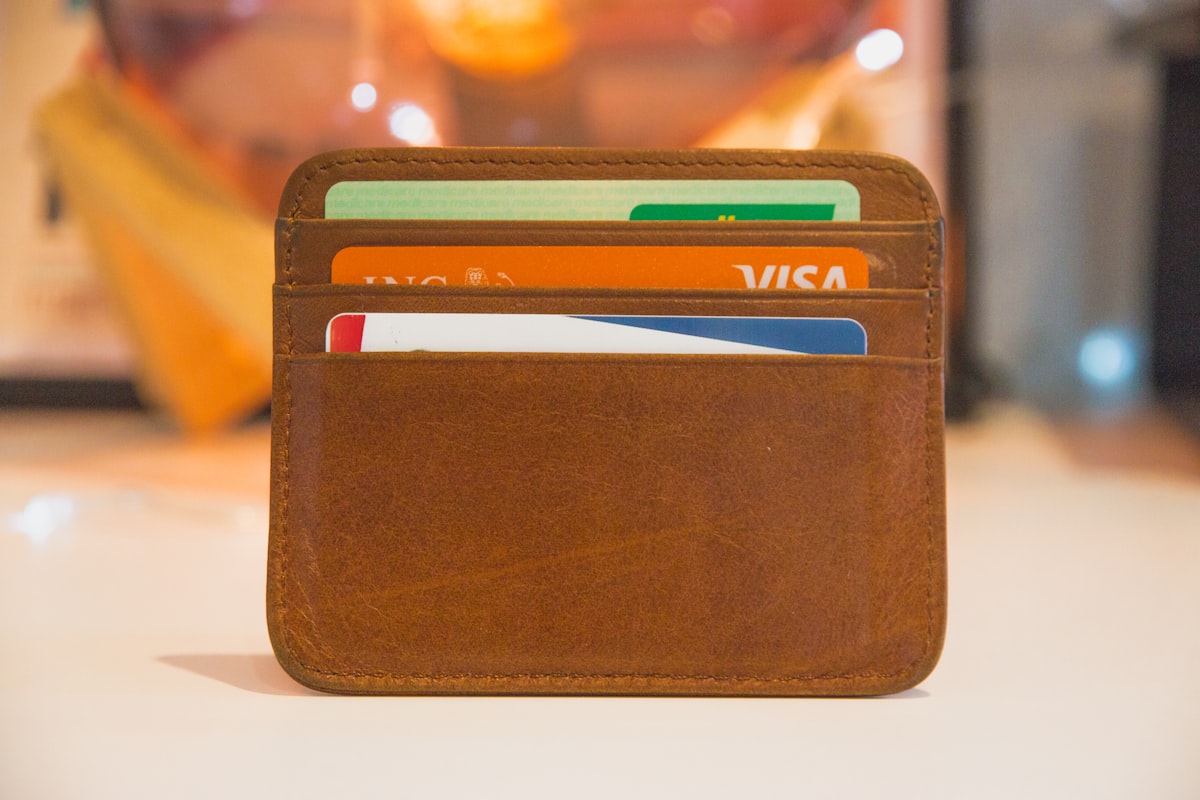
Your business card is often the first impression you leave. But paper cards get lost, go out of date, and can't tell you who actually looked at them. Dialb replaces all of that — one shareable link that carries your full identity, captures every lead, and gives you the data to follow up intelligently.
This guide walks through every core feature so you can get the most out of your Dialb account from day one.

Digital Business Cards
A Dialb digital card is a mobile-first web page that lives at your personal URL (e.g. dialb.co/yourname). Visitors open it instantly — no app required. You control exactly what they see.
- Contact info — name, phone, email, location, website, and social links in one tap.
- Profile & cover photo — full branding with your photo and a custom cover image.
- Bits (content blocks) — add links, products, files, videos, maps, or custom HTML sections in any order.
- Themes — choose from ready-made themes or set custom colors and fonts to match your brand.
- Team cards — every team member gets their own card under your company account, with consistent branding.
- Email signature — generate a professional HTML email signature from your card in one click.
- vCard download — visitors can save your contact directly to their phone's address book.
Cards update in real time — change your phone number or add a new product, and everyone who has your link immediately sees the latest version.

Lead Capture
Every card has a built-in lead capture form. When someone visits your card and fills it in, their details land in your Dialb leads dashboard — ready to act on.
- Exchange contact — visitors submit their name, email, phone, and job title in exchange for your card.
- Lead notes — add context to any lead (where you met, what they're interested in).
- Status tracking — mark leads as new, contacted, qualified, or closed.
- Tags — organize leads with custom tags (e.g. "Conference 2026", "Hot Lead").
- CSV export — download all your leads at any time as a spreadsheet.
- Zapier sync — route new leads directly to Salesforce, HubSpot, Google Sheets, Mailchimp, or any other tool automatically (see the Integrations section below).
QR Codes
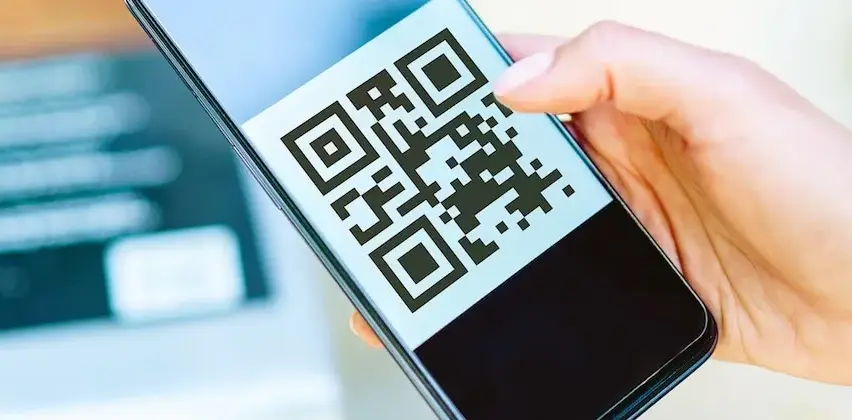
Every card and short link in Dialb has an auto-generated QR code. Print it on business cards, banners, product packaging, or email footers — scans go directly to your digital card or chosen URL.
- Dynamic QR codes — the destination can be changed any time; the QR code stays the same.
- Custom styling — adjust colors and corner styles to match your brand.
- High-resolution download — export print-ready PNG files for any campaign size.
- Bulk export — download all your team members' QR codes as a single ZIP file.
- Scan tracking — every scan is counted in your analytics dashboard.
Analytics
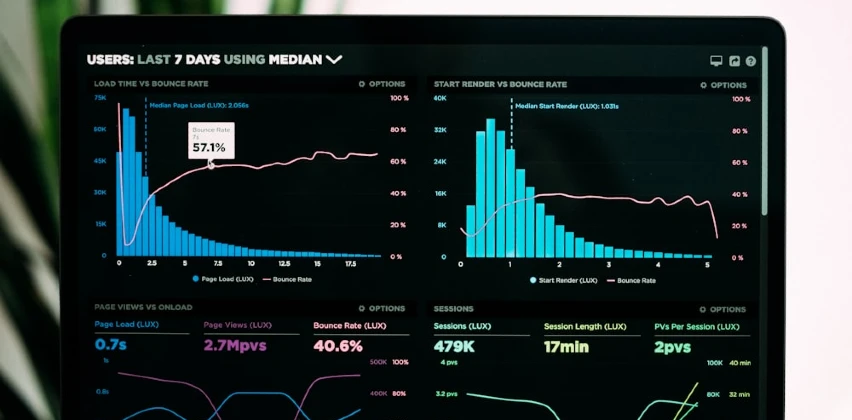
Dialb tracks every interaction with your cards, short links, and QR codes so you know exactly who is engaging with your brand and how.
- Page views & unique visitors — see how many people visited your card and how often they return.
- Click events — track which links on your card get clicked (phone, email, social, products).
- Traffic sources — understand where your visitors are coming from (direct, social, QR scan).
- Device breakdown — desktop vs. mobile split for each card.
- Google Analytics integration — connect your GA4 Measurement ID to send all card events to your existing GA property for funnel analysis and custom audiences.

Integrations
Dialb connects with the tools you already use so that every new lead flows automatically into your workflow — no manual copy-paste required.
Zapier
Connect Dialb to 6,000+ apps through Zapier using OAuth 2.0. When someone submits their contact on your card, Zapier can instantly:
- Add the lead to Salesforce or HubSpot as a new contact.
- Append a row to a Google Sheet.
- Add a subscriber to Mailchimp or ActiveCampaign.
- Post a message to a Slack channel.
- Trigger any custom workflow in Notion, Airtable, or any other Zapier-connected app.
Google Analytics
Enter your GA4 Measurement ID in your account settings and all card page views and click events are sent to Google Analytics automatically — no code required.
Getting Started
Ready to create your digital card? It takes less than two minutes:
- Sign up at dialb.co/signup.
- Set your username (this becomes your card URL).
- Upload your photo, fill in your contact details, and add your first Bits.
- Copy your link and share it anywhere — email, LinkedIn, WhatsApp, or print it as a QR code.
Have questions? Reach us at [email protected] — we're happy to help.
Ready to Create Your Digital Business Card?
Join thousands of professionals and businesses who've already made the switch.
dialb.co/
About | FAQ | Privacy Policy | Terms of Use | Cookie Preferences
© 2026 by Lapmob Inc.